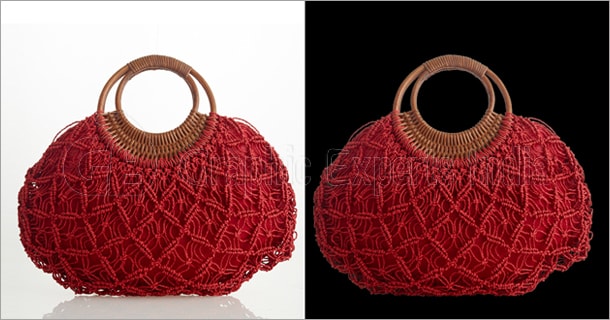
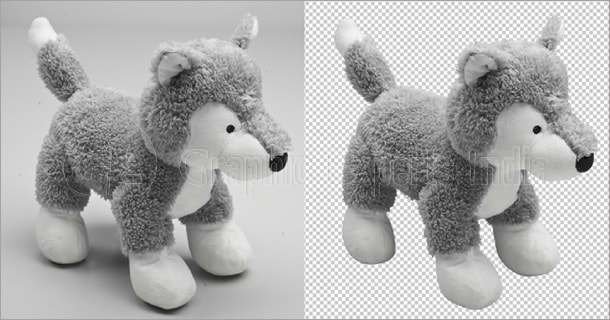
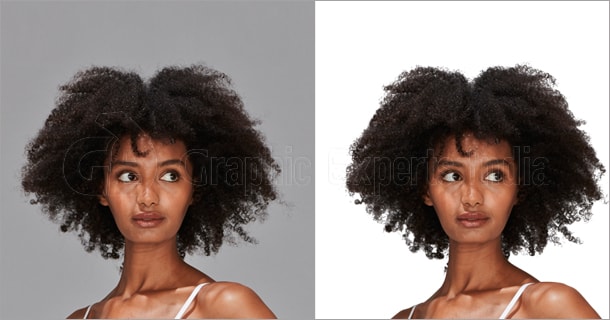
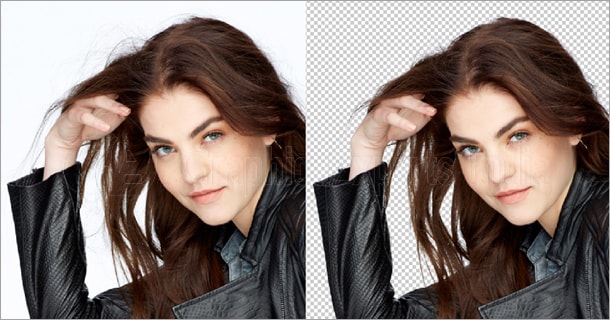
Graphic Experts India has been providing photo post-processing as well as editing services for the last 15 years based on Adobe Photoshop and Illustrator. Provide Photoshop clipping path, image background removal, Masking, Shadow Making, and retouching services. Ghost Mannequin or Neck Joint, Color Correction, and Raster to vector image conversion services are also provided here. Please have a look at the sample of our work and hit upon a plan to outsource your photo editing work to us.
Clipping Path Gallery
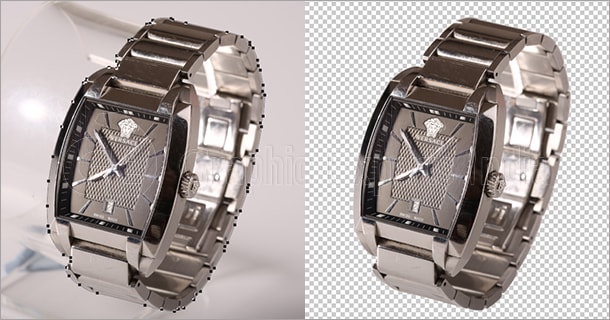
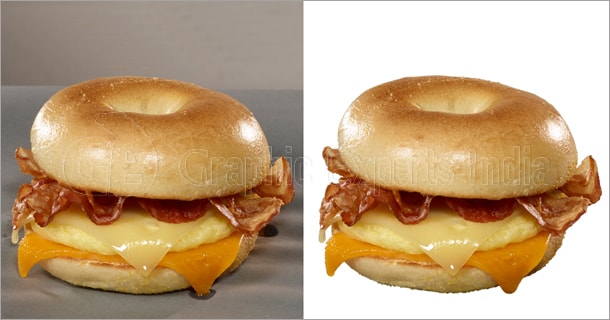
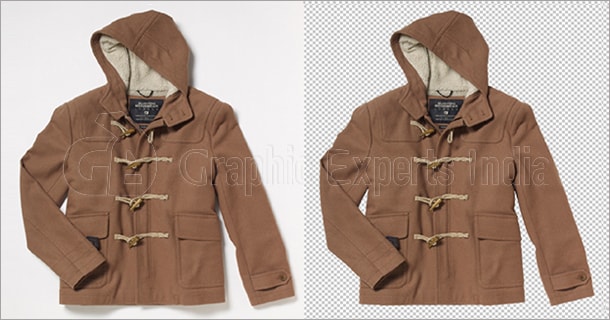
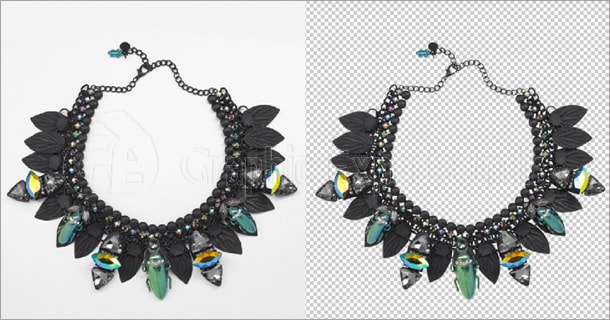
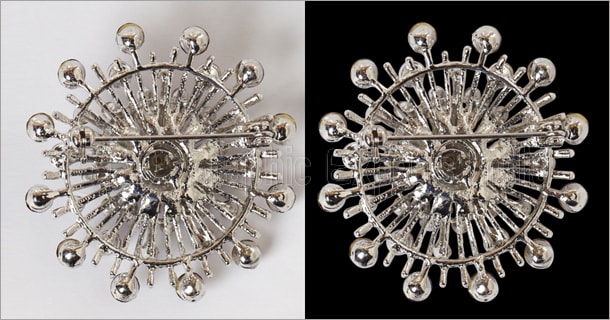
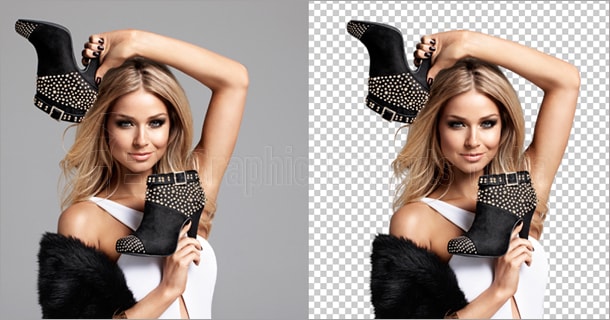
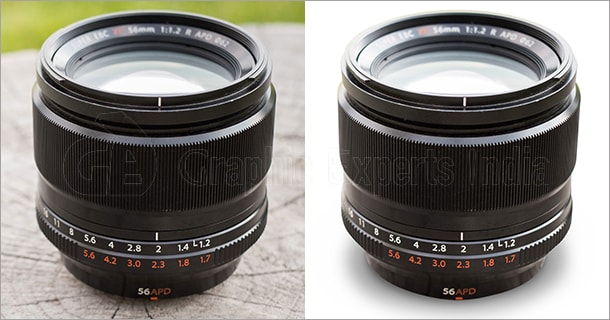
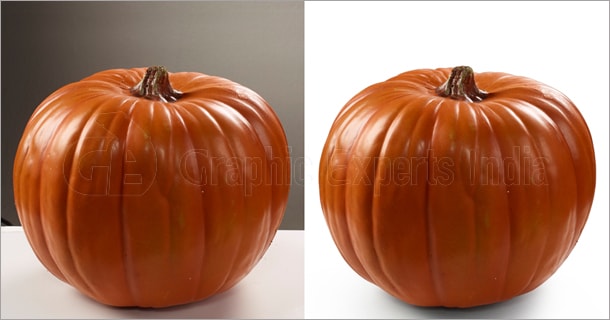
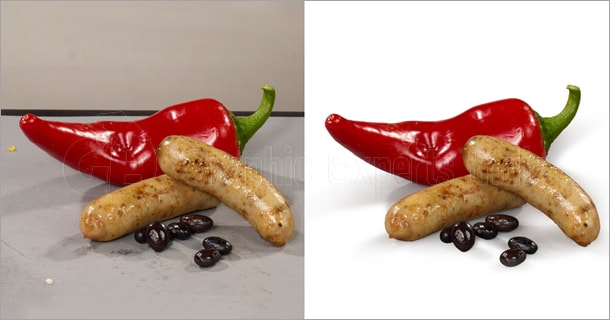
Photoshop Clipping Path Service is one of our most important services. We are very special about it. Peen tool of Adobe Photoshop is used to create the hand-drawn manual path. Thus our selection is always pixel perfect and accurate. Here are presenting some examples of our work but if you go through our website, you will learn more.
Watch Image Clipping Path
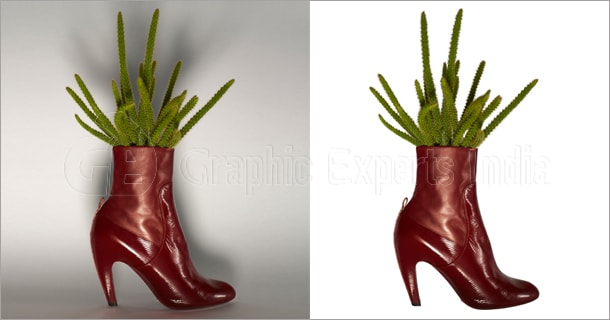
Shoe Image Clipping Path
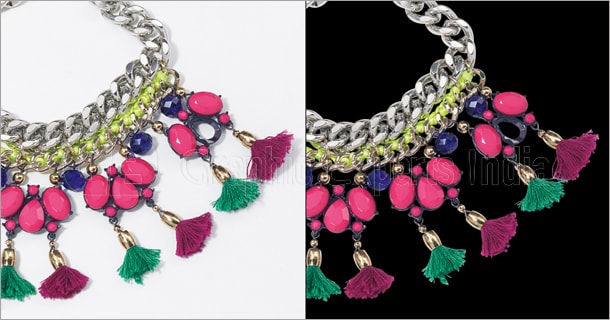
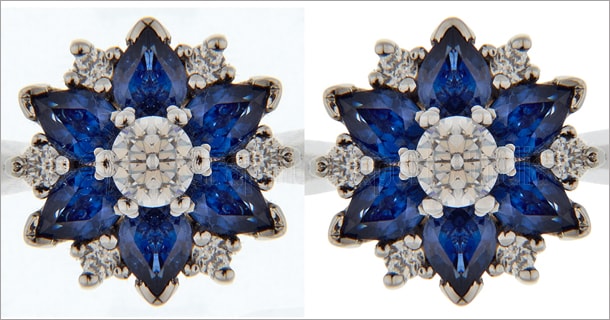
Jewelry Photo Clipping Path
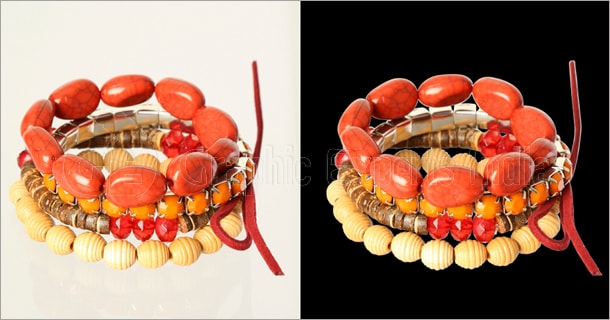
Jewelry Image Clipping Path
Food Image Clipping Path
Image Background Removal Samples
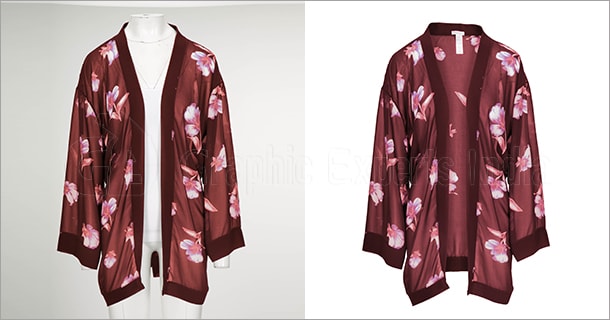
Apparel Image Background Removal
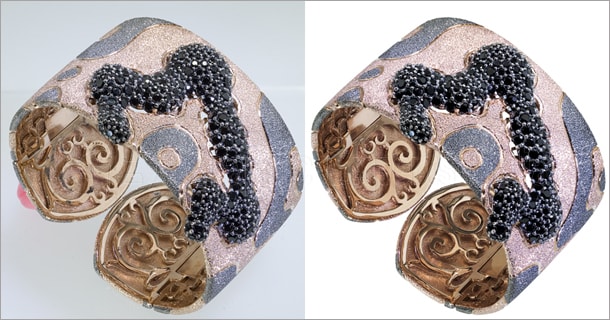
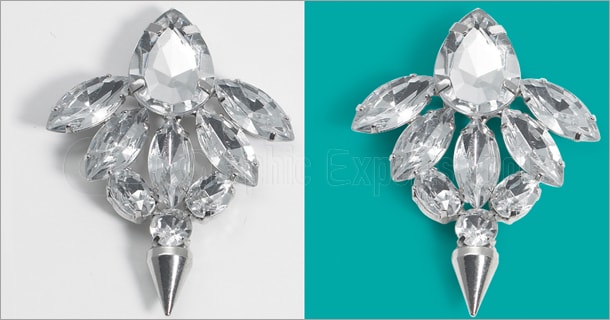
Jewelry Image Background Removal
Jewelry Photo Background Removal
Product Image Background Removal
Toy Photo Background Removal
Image Masking Samples
Photoshop Masking Photo Sample
Photo Masking Image Sample
Photo Masking Service Sample
Image Masking Service Sample
Photoshop Masking Image Sample
Photo Retouching Samples
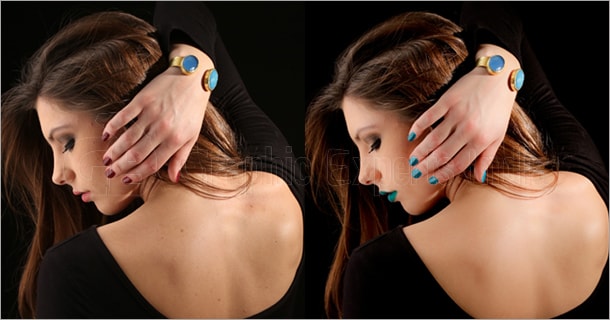
Model Photo Retouching Sample
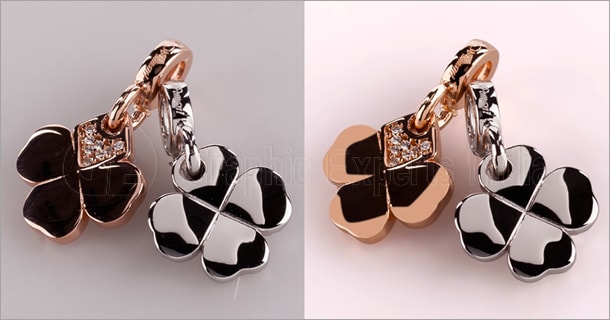
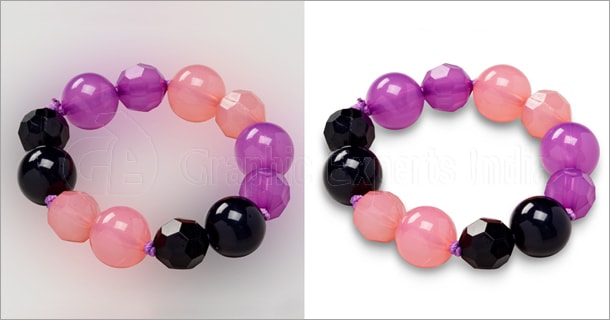
Jewelry Image Retouching Sample
Jewelry Photo Retouching Sample
High-end Photo Retouching Sample
Glamour Photo Retouching Sample
Color Correction Image Samples
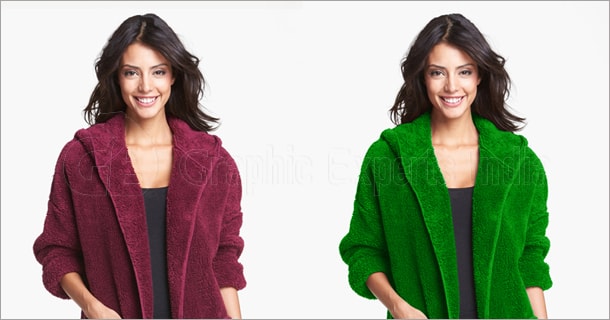
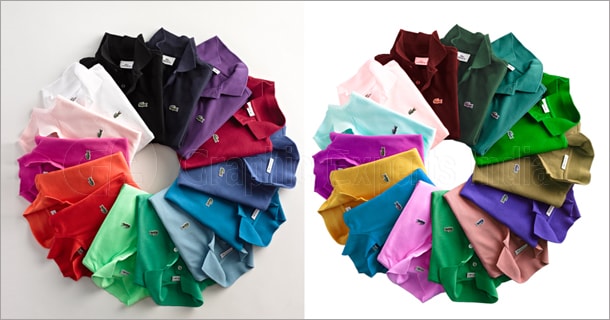
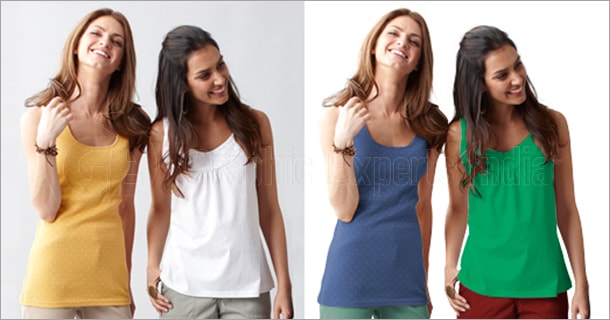
Apparel Color Correction
Apparel Image Color Adjustment
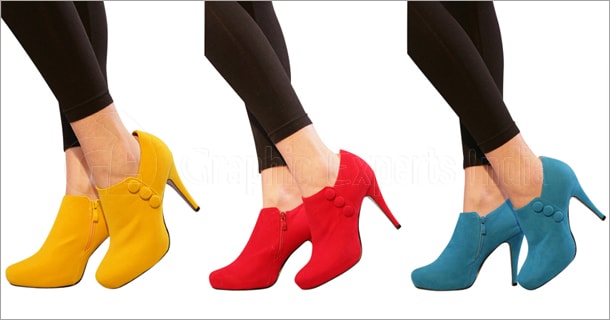
Shoe Image Color Correction
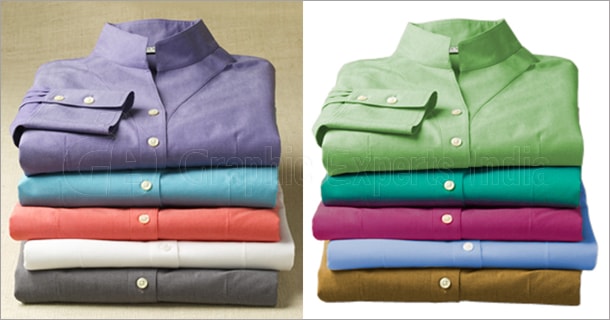
Apparel Image Color Correction
Apparel Photo Color Correction
Shadow Making Image Gallery
Shadow Making Service Photo Sample
Shadow Making Service Image Sample
Shadow Creating Service Image Sample
Shadow Generating Service Photo Sample
Shadow Creation Service Image Sample
Ghost Mannequin and Neck Joint
Ghost Mannequin Service Sample
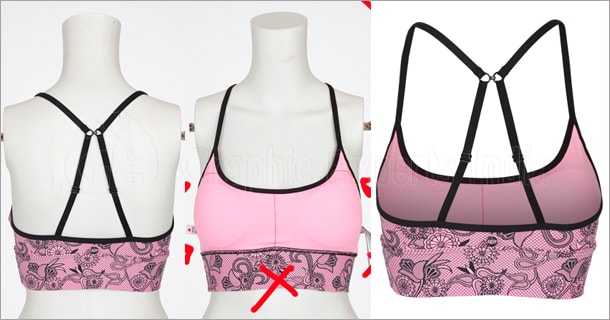
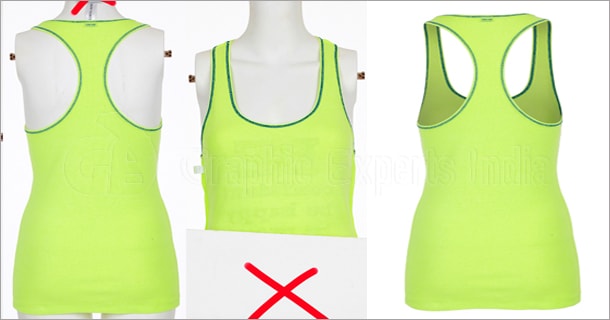
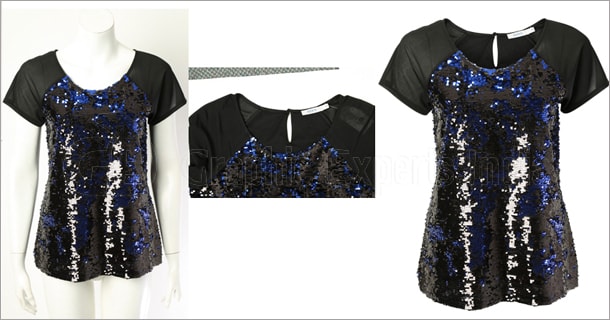
Ghost Mannequin Services Sample
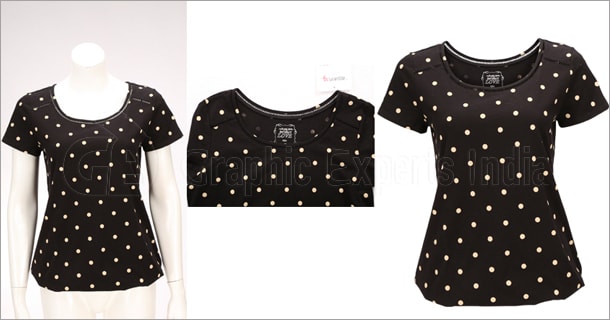
Invisible Mannequin Image Sample
Neck Joinery Image Sample
Neck Joint Image Sample
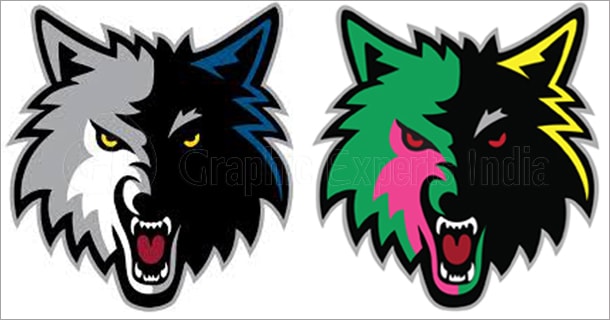
Raster to Vector Image Conversion Sample
FAQs
What can I find in GEI’s gallery?
GEI’s gallery showcases real sample work across all their core Photoshop editing services including Clipping Path, Background Removal, Image Masking, Photo Retouching, Color Correction, Shadow Making, Ghost Mannequin, Neck Joint, and Raster to Vector conversion.
How long has GEI been providing photo editing services?
GEI has been providing professional photo post-processing and editing services for over 15 years, using industry-standard tools like Adobe Photoshop and Adobe Illustrator.
Can I view samples of GEI’s work before placing an order?
Yes. GEI’s gallery page displays real before-and-after examples of their editing work across all service categories so you can judge the quality before committing to an order.
How does GEI create clipping paths?
GEI uses the pen tool in Adobe Photoshop to create hand-drawn manual paths around each subject. This manual approach ensures a pixel-perfect, accurate selection every time — unlike automated AI tools.
What background options are available after removal?
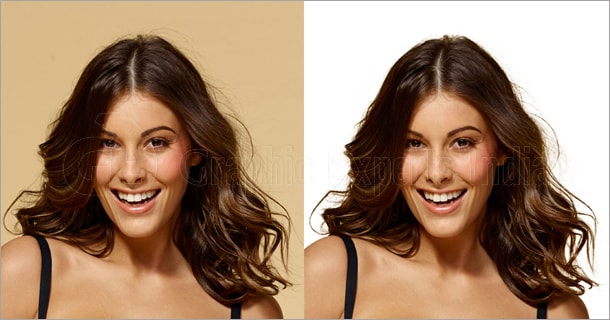
After removing the original background, GEI can replace it with a white background, transparent background, custom color, or any other backdrop as per your specifications.
What is image masking and when is it needed?
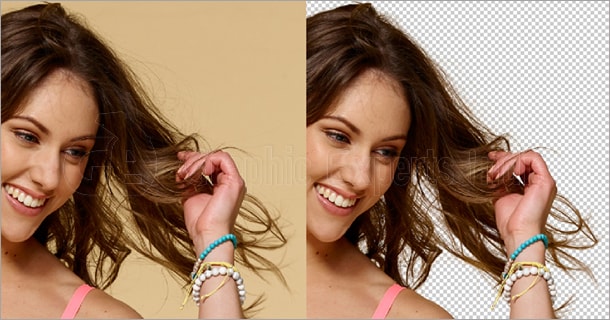
Image masking is an advanced Photoshop technique used for subjects with complex edges such as hair, fur, lace, or semi-transparent fabrics — where a standard clipping path cannot capture fine detail accurately. GEI uses layer masking, alpha channel masking, and refine edge processing to handle these complex subjects.
What level of retouching does GEI provide?
GEI offers retouching at multiple levels from basic touch-ups all the way to high-end glamour retouching, covering skin smoothing, color correction, blemish removal, lighting adjustments, and full professional-grade finishing.
What does GEI’s color correction service include?
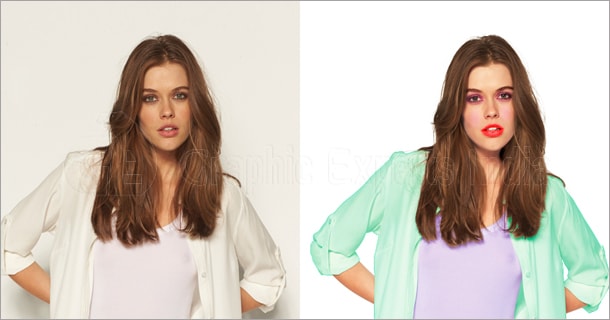
GEI’s color correction service adjusts color balance, exposure, contrast, and tone to make product images look more accurate, realistic, and visually appealing across all platforms and marketplaces.