

You create Amazon product images in three steps: shoot the product in even light against a plain background, edit each shot to Amazon’s specs (pure white main image, 85% fill, 1,600 pixels or larger), and build the gallery from a template that assigns each slot a job.
A modern phone camera is enough for the shoot; the edit is where a raw photo becomes a compliant, zoom-ready file. This guide covers the photography, the templates and the tools, and where handing the edit to a specialist saves time.
Creating the images is the step before uploading them, and the goal is a gallery that converts, not just one that passes.
For what “converts” means in image terms, see Amazon Product Image Best Practices 2026.
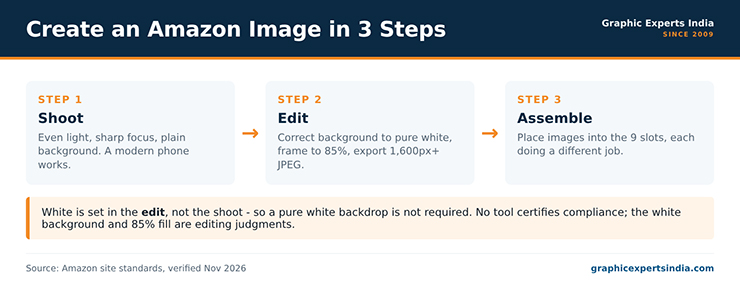
Figure 1. Creating an Amazon product image in three steps.
What are the three steps to create an Amazon product image?
Creating an Amazon product image is a shoot, an edit, and an assembly. The shoot captures the product cleanly in even light. The edit corrects the background to pure white, frames the product to 85%, and exports to Amazon’s size and format.
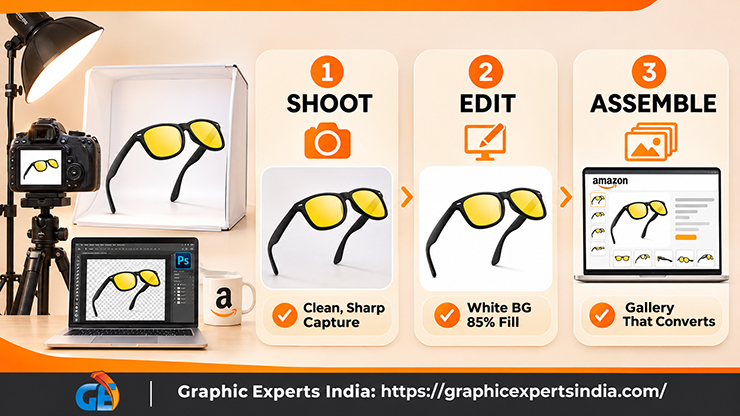
The assembly places the finished images into the gallery slots in the order that sells. Each step has its own tools, and the edit is the step that most often decides whether the image is compliant.
| Step | Goal | Output |
|---|---|---|
| Shoot | Clean, sharp, evenly lit capture | Raw photos on a plain background |
| Edit | White main image, 85% fill, correct size | Compliant, zoom-ready files |
| Assemble | Each slot does a different job | A gallery ordered to convert |
How do you shoot Amazon product photos (even on a phone)?
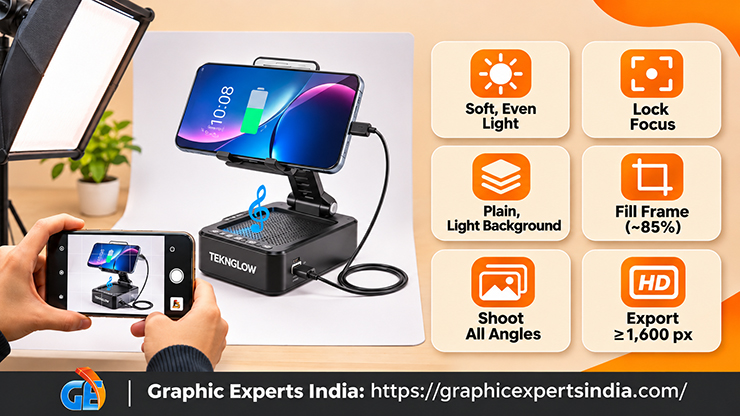
A modern phone camera shoots Amazon-ready product photos when three things are controlled: light, focus and background. Use soft, even light — daylight from a window or a lightbox — so the product has no harsh shadows or blown highlights. Lock focus on the product and keep the whole item sharp.
Shoot against a plain, light background, because a clean background is far easier to turn pure white in editing than a busy one. Fill the frame with the product and leave a small margin so there is room to crop to the 85% fill.
The shoot does not need a pure white backdrop, because white is set in editing. It needs the product in focus, lit evenly, and shot large enough to export at 1,600 pixels or more on the longest side.
Shoot every angle and detail you will need across the nine gallery slots in one session, so the gallery comes from one consistent set.
What is an Amazon image template and how do you use one?
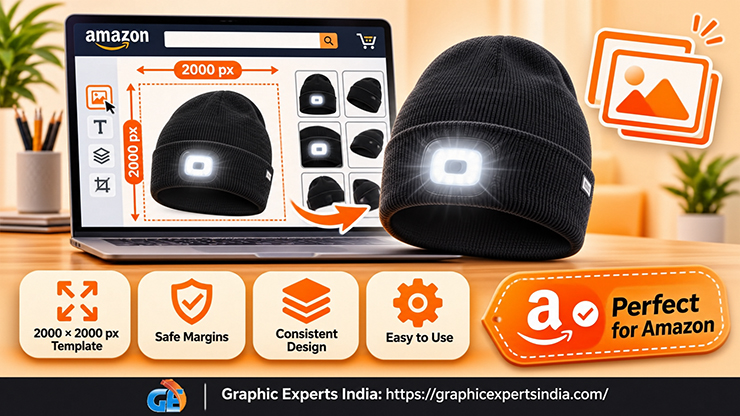
An Amazon image template is a pre-sized layout — usually a square canvas at 2,000 × 2,000 pixels — that fixes the dimensions, the safe margins and the slot structure before you place a product in it.
A template guarantees every gallery image is the same size and shape, which keeps the gallery consistent as a buyer swipes through it. Templates are especially useful for the secondary slots, where an infographic or a feature callout needs a repeatable layout.
Use one template per slot type: a plain square for the main image, a callout layout for infographics, a scene frame for lifestyle shots.
Build each product’s images into the matching template, and the whole catalogue stays visually uniform. The exact canvas size and export settings a template should use are in Amazon Product Image Size, Dimensions and File Specs.
What tools create and check Amazon product images?
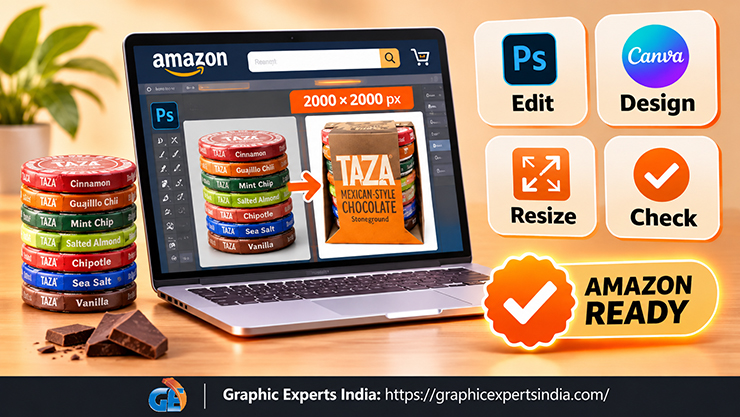
Three kinds of tool support the workflow, described here from each tool’s own documentation rather than from any test.
Capture and editing tools — a phone camera plus an editor such as Adobe Photoshop or a background remover — handle the shoot and the white-background edit. Template and design tools — Canva and similar — supply pre-sized canvases for infographics and lifestyle layouts.
Resizers and checkers confirm a file meets Amazon’s pixel, format and size rules before upload. Each tool states its own features and pricing on its site, and those change, so confirm current terms before relying on one.
No tool certifies Amazon compliance; the seller does. A resizer can confirm a file is 2,000 pixels and under 10 MB, but it cannot judge whether the background is true 255, 255, 255 white or the product fills 85% of the frame — those are editing decisions. That gap is where many self-made images fail the site standards.
When should you create images yourself versus outsource?
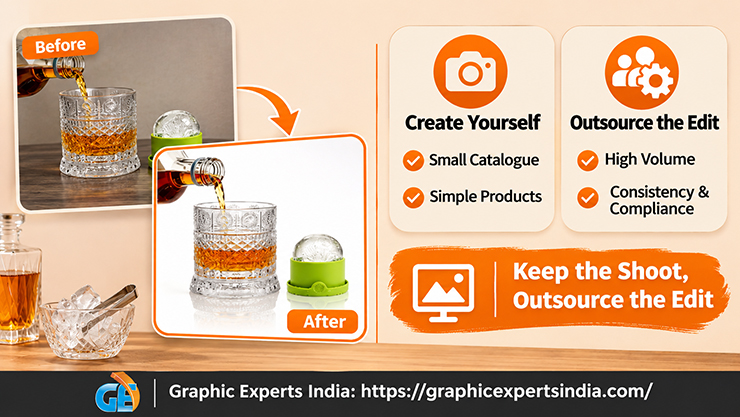
Create the images yourself when the catalogue is small and the products are simple to shoot; outsource the edit when volume, consistency or compliance become the bottleneck.
A seller with a handful of products and a window for light can shoot and edit in-house. A seller with dozens of SKUs, or one whose self-made images keep getting suppressed, gets faster and more uniform results by shooting in-house and handing the edit to a specialist.
The dividing line is the same as for any Amazon i mage editing service: keep the photography and the creative choices, outsource the repetitive, standard-bound edit.
How Graphic Experts India turns your photos into Amazon images
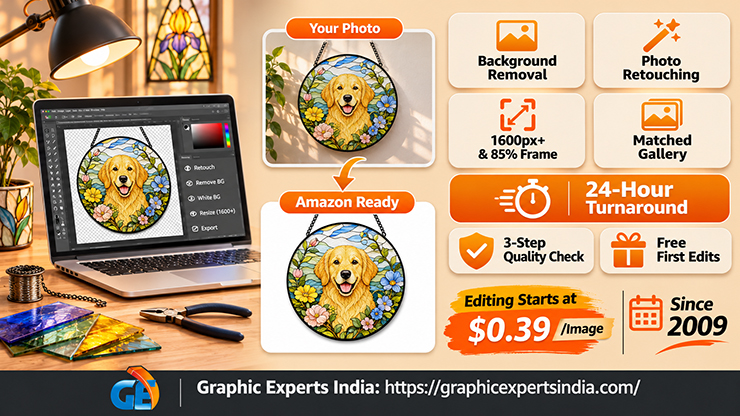
Graphic Experts India edits a seller’s own photos into compliant Amazon images, which keeps the shoot in-house and the editing with a specialist.
Send the raw shots, and the finished files come back with the background removed to pure white, the product framed to 85%, the file sized to 1,600 pixels or larger, and the gallery matched across slots. Photo retouching cleans dust and defects; background removal sets the white canvas.
Editing starts at $0.39 per image for background removal and $0.99 for retouching, turnaround averages 24 hours, every file clears a three-step quality check, and the first edits are free with no credit card — so you can test the result on your own shots before committing.
Graphic Experts India has edited e-commerce product images since 2009. Once the images are made, see how to upload, change, reorder and delete Amazon product images.
Frequently asked questions
Shoot the product in even light against a plain background, edit each shot to a pure white main image at 85% fill and at least 1,600 pixels, then assemble the gallery so each slot does a different job. The edit is the step that makes the image compliant.
Yes. A modern phone camera is enough if you control light, focus and background — soft even light, the whole product sharp, and a plain background that is easy to turn white in editing. White is set in the edit, not the shoot, so a pure white backdrop is not required.
A pre-sized layout, usually a 2,000 × 2,000-pixel square, that fixes the dimensions, margins and slot structure before you place the product. Templates keep every gallery image the same size and shape, which matters most for infographic and lifestyle slots.
A camera (a phone is fine), an editor or background remover to set the white main image, a template or design tool for infographics and lifestyle layouts, and a resizer to confirm the file meets Amazon’s specs. No tool certifies compliance — the white background and 85% fill are editing judgments.
Shoot in-house, and outsource the edit when volume or consistency becomes the bottleneck or self-made images keep getting suppressed. Keep the photography and creative choices; hand off the repetitive, standard-bound editing to a specialist.

Salim Ahmed is the CEO of Graphic Experts India, with over 25 years of expertise in photo editing, clipping path, image retouching, and eCommerce image editing services.