

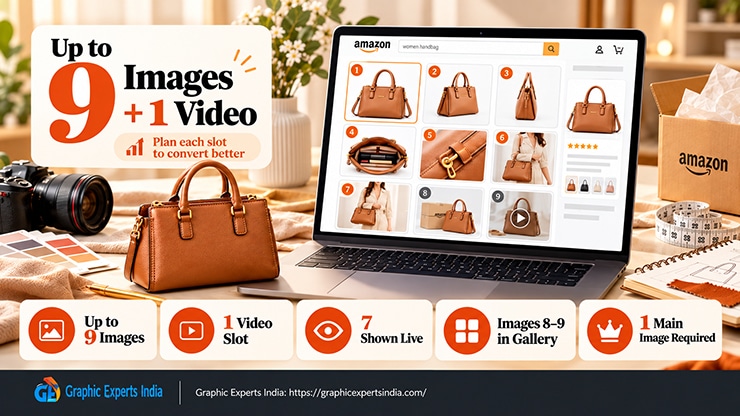
An Amazon listing can have up to nine product images plus one video, though the exact number of slots depends on the category. Only the first seven images appear on the live listing — a shopper opens the image gallery to see images eight and nine.
Every detail page needs at least one image, the main image, to publish. This guide gives the count rules and a slot-by-slot plan for what belongs in each of the nine positions.
Most listings waste their slots on near-duplicate angles of the same white-background shot. Nine slots are a selling budget, and the gallery that uses each slot for a different job converts better. For the full rule set, see Amazon Product Image Requirements 2026.
How many images does Amazon allow?
| Question | Answer |
|---|---|
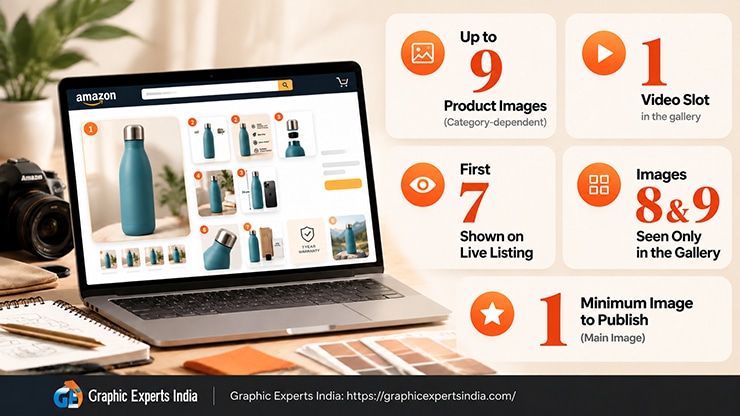
| Maximum product images | Up to 9 (category-dependent) |
| Video | 1 video slot in the gallery |
| Shown on the live listing | First 7 images |
| Seen only in the gallery | Images 8 and 9 |
| Minimum to publish | 1 (the main image) |
Nine is the common ceiling, and some categories offer fewer slots, so check the number available on your own listing in Seller Central. The seven-image display limit is the detail that changes strategy: place your strongest seven shots in positions one through seven, and treat eight and nine as a bonus for the shoppers who dig deeper.
What should go in each image slot?
The highest-return move is to assign every slot a distinct job rather than repeat the product on white. The plan below is the information-gain asset of this guide — one shoot, edited into nine purpose-built slots.
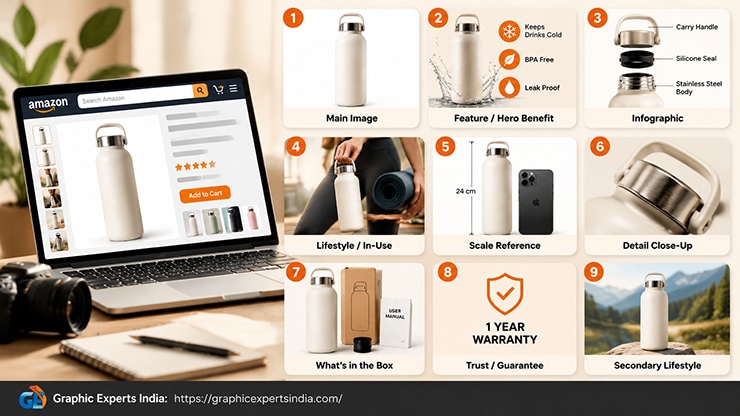
| Slot | Image type | Its job |
|---|---|---|
| 1 | Main image | Win the click in search — product alone on pure white, 85% fill |
| 2 | Feature / hero benefit | Lead with the single most important reason to buy |
| 3 | Infographic | Call out specs, materials or dimensions with text and icons |
| 4 | Lifestyle / in-use | Show the product used by a real person in context |
| 5 | Scale / size reference | Show the product next to a familiar object or measurement |
| 6 | Detail close-up | Prove quality — texture, stitching, finish, connectors |
| 7 | What’s-in-the-box / comparison | Show everything included, or how variants differ |
| 8 | Trust / guarantee | Warranty, certifications, or brand promise (gallery-only) |
| 9 | Secondary lifestyle / angle | A second context or the final selling angle (gallery-only) |
The main image is the only slot bound by the pure-white, product-only rule; see the main image requirements. Slots two through nine may use backgrounds, text and graphics, which is where the lifestyle and infographic images do the explaining and persuading.
Why the seven-image limit changes the order
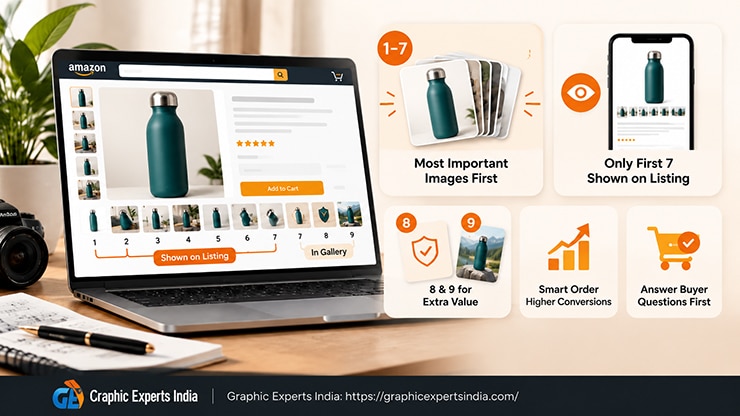
Because only seven images show on the live listing, the slot order is a ranking decision, not just a filling exercise. A buyer who never opens the gallery sees slots one to seven, so the seven shots that answer the most common buying questions belong there.
Slots eight and nine catch the thorough shopper, so trust signals and a second lifestyle angle fit well in those positions, where they reinforce a decision already forming rather than make the first case.
Does the main image count toward the nine?
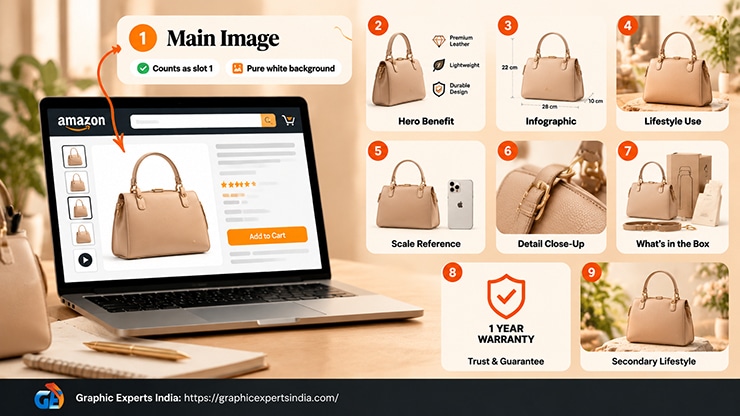
Yes. The main image is slot one of the nine. That leaves eight alternate images plus the video. Because the main image is locked to the strict white-background standard, the real creative budget is the eight secondary slots, which is where most of a listing’s differentiation lives.
How Graphic Experts India turns one shoot into nine slots
A single product shoot supplies the raw material for all nine slots for editing for each job. Graphic Experts India takes one set of source photos and produces the white-background main image, the clean cut-outs for infographics, the composited lifestyle scenes, the scale and detail shots, and the consistent sizing that holds the gallery together. One shoot in, nine edited slots out.
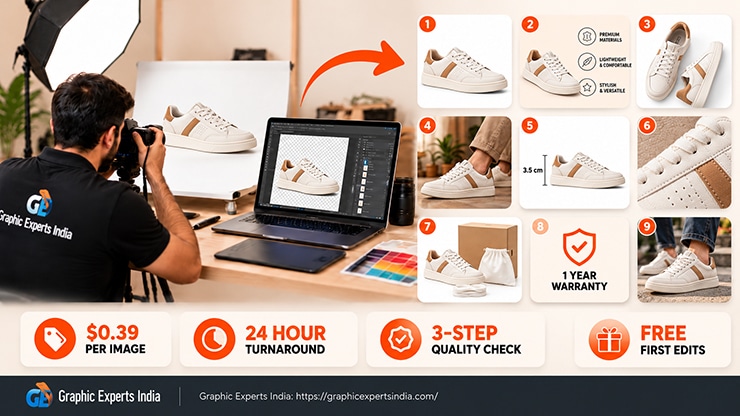
The service hub is amazon photo editing. Editing starts at $0.39 per image, turnaround averages 24 hours, every file passes a three-step quality check, and the first edits are free with no credit card. Before you build the set, confirm the image size and file specs so every slot is zoom-ready.
Frequently asked questions
Up to nine product images plus one video, depending on the category. Only the first seven are shown on the live listing; buyers open the gallery to see images eight and nine. Every detail page needs at least one image to publish.
Seven. Amazon displays the first seven images on the live detail page, and the remaining images sit in the expandable gallery. Put your seven strongest, most informative shots in positions one through seven.
Yes. The main image is the first of the nine slots, leaving eight alternate images plus the video. The main image is the only slot bound by the pure-white, product-only rule.
Main image first, then your strongest feature, infographic, lifestyle, scale, detail and comparison shots across slots two to seven. Moreover, reserve slots eight and nine for trust signals and a second lifestyle angle, since only the first seven display live.
No. Only the main image requires the pure white 255, 255, 255 background. The other slots can use lifestyle scenes, infographics and text overlays to explain and sell the product.

Salim Ahmed is the CEO of Graphic Experts India, with over 25 years of expertise in photo editing, clipping path, image retouching, and eCommerce image editing services.