

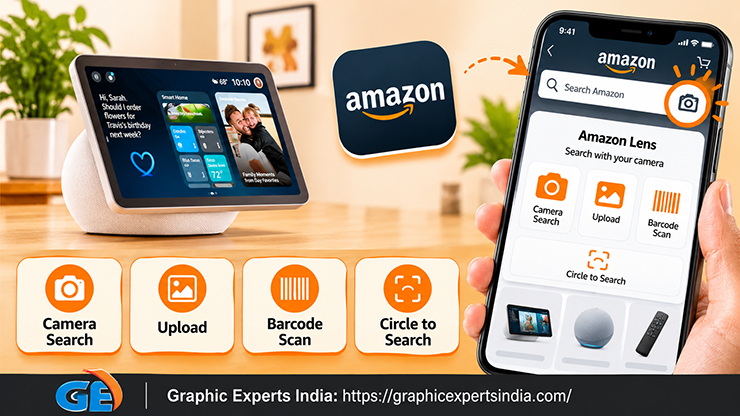
You search Amazon by image with Amazon Lens: open the Amazon Shopping app, tap the Lens icon in the search bar, and either take a photo, upload one from your camera roll, or scan a barcode.
Amazon’s visual search then returns matching and similar products. This is how you find a product from a photo when you do not have its name. This guide covers the exact steps, the 2026 Lens Live upgrade, and what makes a photo easy for visual search to match.
Visual search also shows sellers why clean product imagery matters — it is what the algorithm matches against.
For the standards those images follow, see Amazon Product Image Requirements 2026.
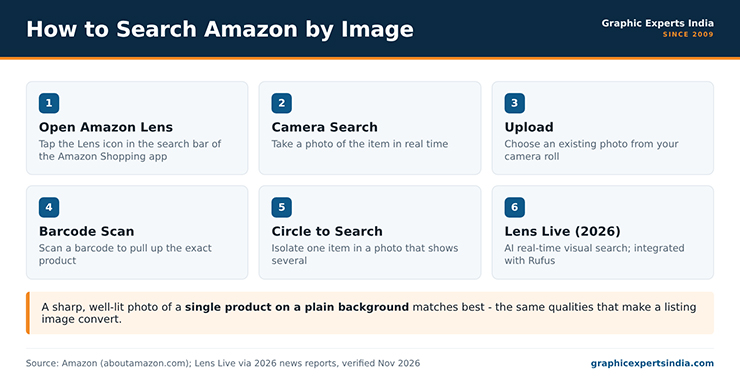
Figure 1. How to search Amazon by image with Amazon Lens.
How do you search Amazon by image?
You search Amazon by image through Amazon Lens in the Amazon Shopping app. Open the app, tap the Lens icon in the search bar, and choose one of three modes.
Camera Search takes a photo of the item in real time. Upload lets you pick an existing photo from your camera roll. Barcode Scan reads a product barcode to pull up the exact item. After you capture or select the image, Amazon’s visual search returns matching and similar products.
| Mode | What it does |
|---|---|
| Camera Search | Take a photo of the item; Lens finds matches |
| Upload | Choose a photo from your camera roll |
| Barcode Scan | Scan a barcode to pull up the exact product |
| Circle to Search | Circle one item in a photo that shows several |
When a photo shows several items, Circle to Search lets you isolate the one you want so Lens matches that product rather than the whole scene.
What is Amazon Lens Live?
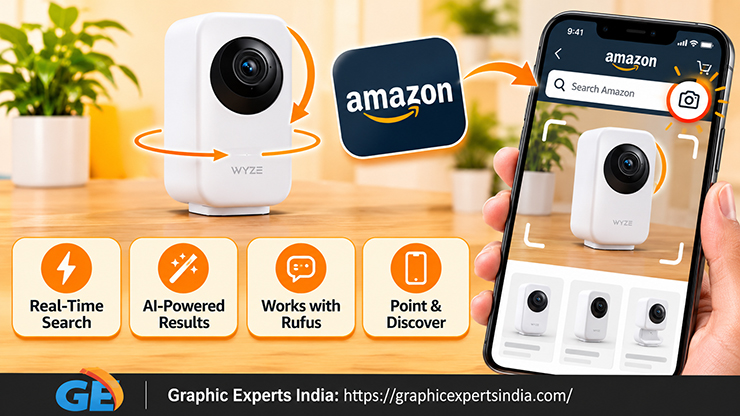
Amazon Lens Live is an AI-powered visual search feature Amazon launched in 2026 that matches products in real time as you move your phone’s camera, rather than from a single still photo. Instead of taking one picture, you point the camera and Lens Live surfaces matching products on the fly.
Amazon also integrated Lens with its Rufus AI shopping assistant, so visual search connects to conversational product questions. These additions extend the same core job — find a product from what you see — with real-time matching and AI assistance.
Lens Live is the 2026 evolution of the Amazon Lens visual search that already has tens of millions of monthly users. For a shopper trying to identify a product from a photo, it is the fastest route when the item is in front of you.
How do you find a product from a photo you already have?
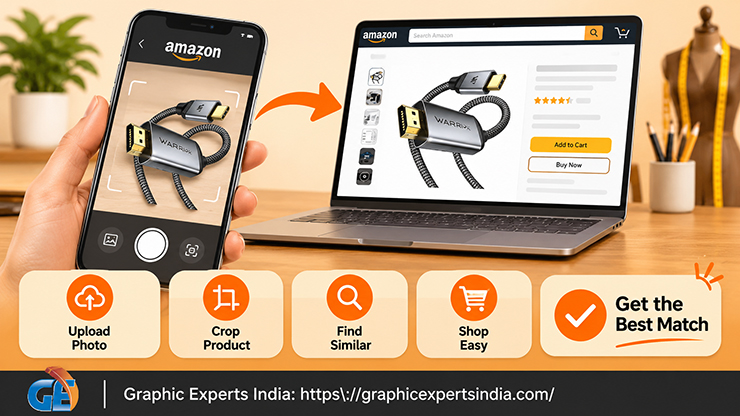
To find a product from a photo already on your phone, use the Upload mode in Amazon Lens: tap the Lens icon, choose upload, and select the image from your camera roll.
Amazon matches the photo against its catalogue and returns similar items. This is the method for a screenshot, a picture a friend sent, or a photo you took earlier of something you saw.
If the photo shows the product among other things, crop it to the product first, or use Circle to Search to isolate it, so the match is based on the item you want rather than the background. A tighter photo of a single product returns better matches.
What makes a photo easy to match?
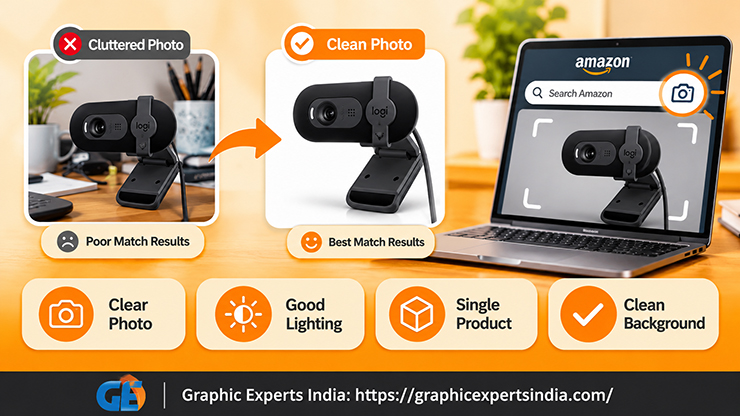
A clear, well-lit photo of a single product on a plain background matches best, because visual search works from the product’s visible features. A photo that is sharp, evenly lit, and framed on one item gives the algorithm clean features to compare; a blurry, dark, or cluttered photo gives it less to work with.
The same qualities that make a listing image convert — clarity, even light, a clean background — also make a photo easy for Lens to match.
This is the connection back to selling. Amazon’s visual search matches a shopper’s photo against listing images, so a seller whose images are sharp, correctly lit and clean is more likely to surface in visual results. Clean imagery is a visibility asset, not only a compliance requirement.
How Graphic Experts India keeps your products findable
A product that is easy to find by image is one photographed and edited clearly, and that is the work Graphic Experts India does for sellers.
Sharp, evenly lit images on clean backgrounds — the standard for a compliant Amazon gallery — are also the images visual search matches most reliably. Editing your own product photos to that standard keeps your catalogue both compliant and findable.
The service hub is amazon photo editing. Editing starts at $0.39 per image, turnaround averages 24 hours, every file clears a three-step quality check, and the first edits are free with no credit card.
If you want to retrieve or back up your own listing images rather than search for a product, see how to get and download Amazon product images.
Graphic Experts India has edited e-commerce product images since 2009.
Frequently asked questions
Open the Amazon Shopping app, tap the Lens icon in the search bar, and take a photo, upload one from your camera roll, or scan a barcode. Amazon’s visual search returns matching and similar products. Use Circle to Search to isolate one item in a busy photo.
Yes. Use the Upload mode in Amazon Lens: tap the Lens icon, choose upload, and select the photo from your camera roll. Amazon matches it against its catalogue. Crop the photo to the single product first for a better match.
Amazon Lens Live is an AI-powered visual search feature launched in 2026 that matches products in real time as you move your camera, rather than from one still photo. Amazon also connected Lens with its Rufus AI assistant for conversational product help.
The photo is probably blurry, dark, or cluttered. Visual search works from the product’s visible features, so a sharp, well-lit photo of a single product on a plain background matches best. Crop to the product and retry.
Amazon Lens is a feature of the Amazon Shopping app, opened from the Lens icon in the search bar. On a computer, a general reverse-image-search engine can help identify a product, which you can then search for by name on Amazon.

Salim Ahmed is the CEO of Graphic Experts India, with over 25 years of expertise in photo editing, clipping path, image retouching, and eCommerce image editing services.